Security Implications: When Your Agent Can See Your Entire Codebase
Claude Code's computer use and broad file permissions create new attack surfaces. Before scaling AI agents, enterprises need permission frameworks and audit trails, not blind trust.
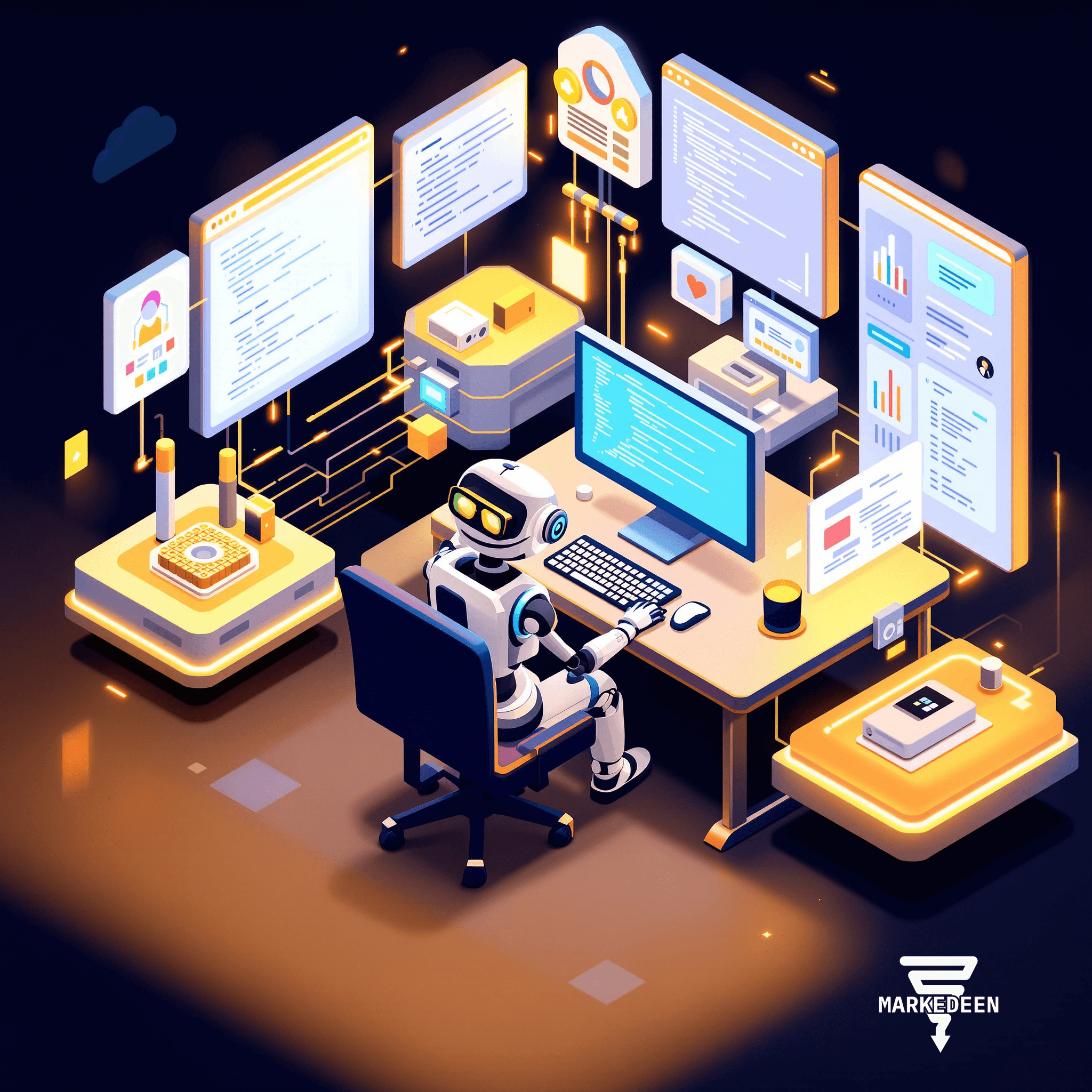
Claude Code can control your mouse and keyboard, read every file in your repository, and access your database credentials. When agents operate with those privileges by default, you're not just automating tasks, you're opening new attack surfaces most teams haven't thought through.
We've been noticing a pattern: teams rush to deploy AI coding agents because the productivity gains are obvious, then stall when someone in InfoSec asks the uncomfortable question: "What can this thing actually *do*?" The answer, increasingly, is "almost everything you can do."
What Does "Computer Use" Actually Mean?
Claude Code's Computer Use feature isn't metaphorical. The agent takes screenshots of your desktop, moves your cursor, types into applications, and executes commands, locally, on your machine. Pair that with remote channels like iMessage dispatch, and you've created a system where a text message from your pocket can trigger actions on your workstation while you're at lunch.
That's powerful. It's also a control plane most organizations have never had to secure before. When an agent has the same access you do (Git repositories, API keys in environment files, customer data in local databases) every permission you've ever been granted is now in scope for autonomous actions.
Permission Tiers Most Users Never Configure
The source code leak revealed that Claude Code has a sophisticated permission engine under the hood, permission tiers, sandboxing options, tool-level access controls. But here's the gap: many users run with elevated permissions by default because the onboarding flow optimizes for "it just works," not "it works safely."
Out of the box, Claude Code can read your entire codebase. It can see `.env` files containing production API keys. It can access directories you've granted your terminal, which often means everything in your home folder. And because the agent operates inside your authenticated session, it inherits your credentials for any service you're logged into, cloud platforms, internal tools, version control.
The default posture is trust. That's fine for a solo developer prototyping on weekends. It's a governance failure waiting to happen in an enterprise environment where one compromised prompt could exfiltrate customer records or deploy untested code to production.
The Attack Surface You Didn't Know You Had
Consider the workflow: you're working on a feature branch, Claude Code is helping you refactor a module, and you've enabled remote dispatch so you can check in via iMessage while you're in a meeting. Now imagine a scenario where:
- A malicious actor crafts a prompt injection in a code comment or a README that Claude processes as an instruction
- The agent, operating with your full privileges, follows that instruction, perhaps exfiltrating a `.env` file, modifying a deployment script, or accessing internal APIs
- Because the action happened inside an authenticated session on your machine, it bypasses most perimeter security
This isn't theoretical. Prompt injection attacks against AI systems are well-documented. When the AI has file system access, network permissions, and the ability to execute shell commands, the blast radius of a successful injection is much larger than a weird chatbot response.
What Enterprises Actually Need
The conversation enterprises need to have isn't "should we use AI agents?" It's "what does our permission model look like when agents are first-class actors?" That means:
Granular permission scoping. Not "Claude can read everything," but "this agent can read these specific directories, write to this staging environment, and nothing else." The tooling supports it; the default workflows don't enforce it.
Audit trails that make sense. When an agent modifies ten files in response to a natural-language prompt, your Git log shows the commits, but it doesn't capture *why*. Enterprises need session-level logs that tie agent actions back to the original human instruction and decision tree.
Sandboxed environments for exploratory work. If an agent is prototyping a feature or experimenting with a library, that should happen in a disposable container with no access to production credentials, not on the developer's local machine where one bad step can compromise the whole system.
Least-privilege remote access. Remote channels are useful, but they shouldn't inherit full local permissions by default. If you're dispatching a task from your phone, the agent should operate under a restricted profile unless you explicitly escalate.
The Uncomfortable Conversation Is the Necessary One
AI agents that can see your entire codebase, control your desktop, and operate with your credentials are extraordinary productivity tools. They're also extraordinary security risks if you deploy them with the same casual posture you'd use for a spellchecker.
The question isn't whether to use these systems, the productivity gains are too significant to ignore. The question is whether you have the governance framework in place *before* you scale them. Because once an agent with broad permissions makes a mistake, or gets tricked into making one, the damage is already done.
Sources
- Anon. (n.d.) Claimed leak of Claude Code's source code, said to reveal its permission engine architecture. Referenced in source material as unverified industry commentary; not independently verified by Markedeen, no formal publication or date specified.
More on Security
Want a system like this in your business?
We build the automation behind everything you just read.