Agent Analytics: Why Your Dashboard Can't See What Actually Broke
Standard product analytics tracks clicks, sessions, and messages sent. When the user is an AI agent, the failure that matters happens somewhere your dashboard was never built to look.
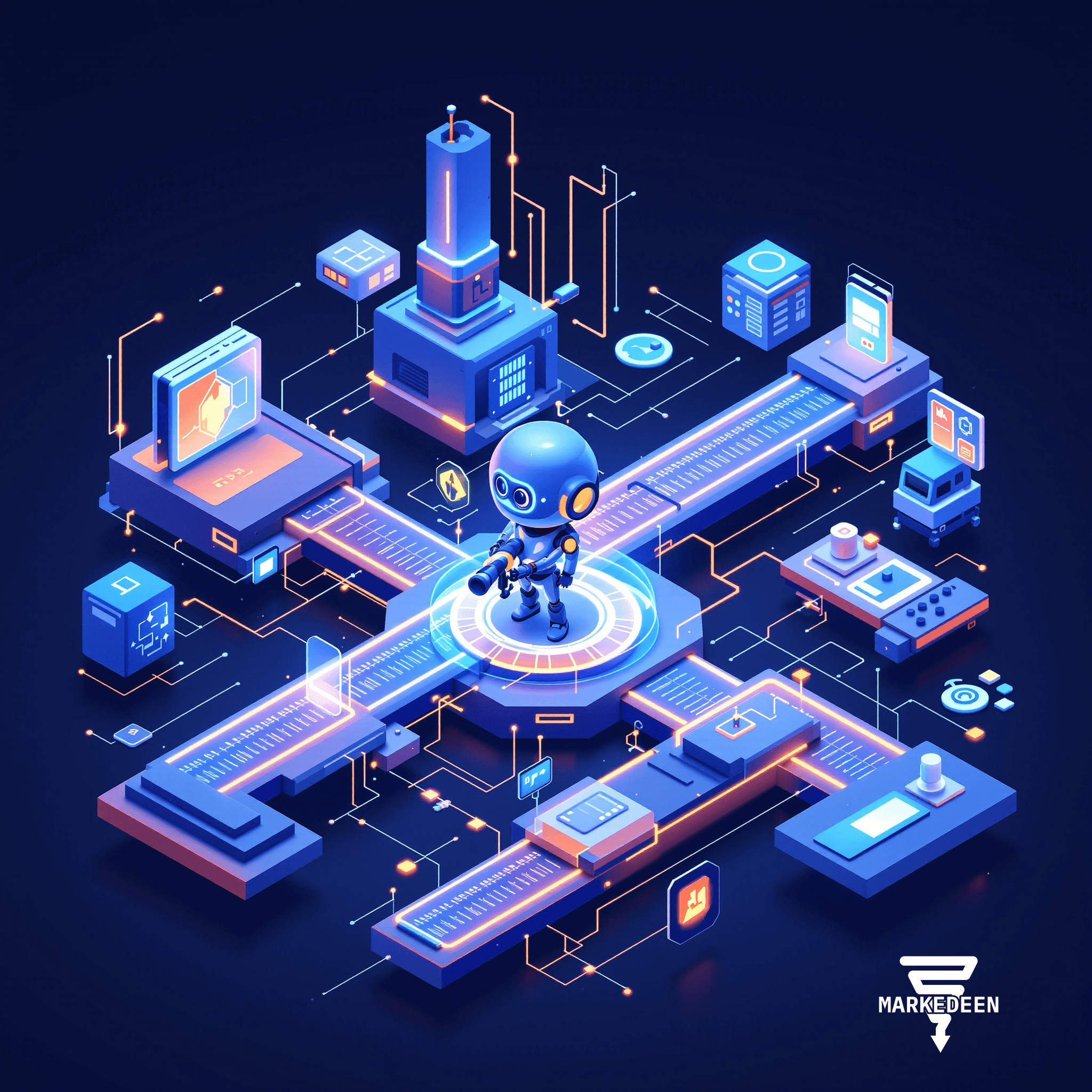
A Cursor agent reportedly erased a small software company's production database and its backups in nine seconds, through a single API call. The unsettling part isn't the speed, it's that a normal analytics dashboard watching that session would have shown an active user, a long chat, a feature in use. Nothing wrong at all.
What did the dashboard actually show that day?
By every standard measure, the session looked healthy: active user, long session, AI feature engaged, plenty of messages sent. None of it captures what happened inside the run, what instruction the agent was given, what environment it believed it was in, what credential it found, which tool it called, where a permission boundary should have stopped it and didn't, or where the human trust loop broke down. A chat log helps with qualitative review (weak prompts, missing context, an obviously wrong answer) but it's text. It won't tell you which tools were available versus actually called, where a call failed and retried, or whether the human accepted, corrected, or quietly redid the output. One person can read a transcript and get insight; nobody can aggregate that across hundreds of agents in production.
Isn't this just an engineering observability problem?
Engineering traces get closer, they capture model calls, tool calls, handoffs, latency, cost, errors. Necessary, but not the same thing as product analytics. A trace can tell you the agent asked for approval; it can't tell you whether that approval created real safety or just added friction. A trace can tell you a run cost thirty cents; it can't tell you if the outcome was worth it. That gap is the layer most teams haven't built yet.
What's the new unit of measurement?
Not the session, the agent run. What was the user trying to accomplish? Did the agent understand the intent? Which tools did it use, which calls failed, did it ask for approval, did a permission policy stop the action, did the task complete, partially complete, fail, or get abandoned?
Salesforce is already pointing this way: its February 2026 fiscal Q4 earnings introduced "agent work units" to measure tasks completed by AI agents, reporting 2.4 billion delivered across Agentforce and Slack, up 57% quarter over quarter. Naming the work unit matters, but it's only useful once you know what kind of work happened and whether it was trusted, otherwise it's chat volume with a new label.
The sharpest signal inside a run is the gap between two numbers that sound similar and aren't. Completion means the task reached a finished state. Acceptance means the user actually trusted the result. High completion with low acceptance means the agent is finishing work nobody believes. Low completion with low acceptance means people are abandoning before the work is even reviewable. Low completion with high acceptance often means the product is too conservative but valuable when it does act. Both high is the signal a workflow might be ready for more autonomy.
What if the agent is running a campaign, not writing code?
The same blind spot shows up in marketing tooling. Platforms report sends, opens, click-through, not why an agent chose a segment, rewrote a subject line, or paused a campaign mid-flight. As content generation, targeting, and optimization get handed to agents, "did the campaign ship" stops being the useful question. Watching the decision, not just the output, becomes its own discipline, sitting alongside the reporting dashboard rather than inside it.
| What the old dashboard tracked | What an agent-run view needs |
|---|---|
| Session length | The instruction that was given |
| Feature used | Which tool was called, and whether it failed |
| Messages sent | Where a permission boundary blocked the action |
| Conversion / funnel step | Completion rate vs. acceptance rate |
| Return visit | Where a human corrected or reopened the run |
Where do you actually start?
Three events, tied to one agent-run ID: when a run starts, when a task completes, and when a human corrects it mid-run. That's enough to get completion rate and correction rate by workflow, the pair of numbers that would have shown a defective workflow long before it reached a production database.
FAQ
*Isn't a chat log enough to see what an agent did?* It tells you what was said, not which tools were available, which were actually called, or where a permission boundary quietly did its job, and it can't be aggregated at scale.
*Do I need engineering traces or product analytics?* Both, answering different questions. Traces show what happened technically; product analytics has to say whether it mattered enough to change the product.
*What's the highest-leverage number to track first?* The gap between completion and acceptance, per workflow, the clearest early sign an agent is finishing work nobody trusts.
Worth asking before the next agent gets a real workflow: if it quietly failed today, would anything in your dashboards show it, or would you find out the way that production database did.
More on AI Agents
Want a system like this in your business?
We build the automation behind everything you just read.